Larger Screen Experience
A monitor or laptop screen gives more viewing space — easier for long sessions or sitting farther away.
Want Yacine TV on a laptop or desktop? The APK is Android-only, so you need an Android emulator. This guide covers requirements, install steps and tips for smoother playback.
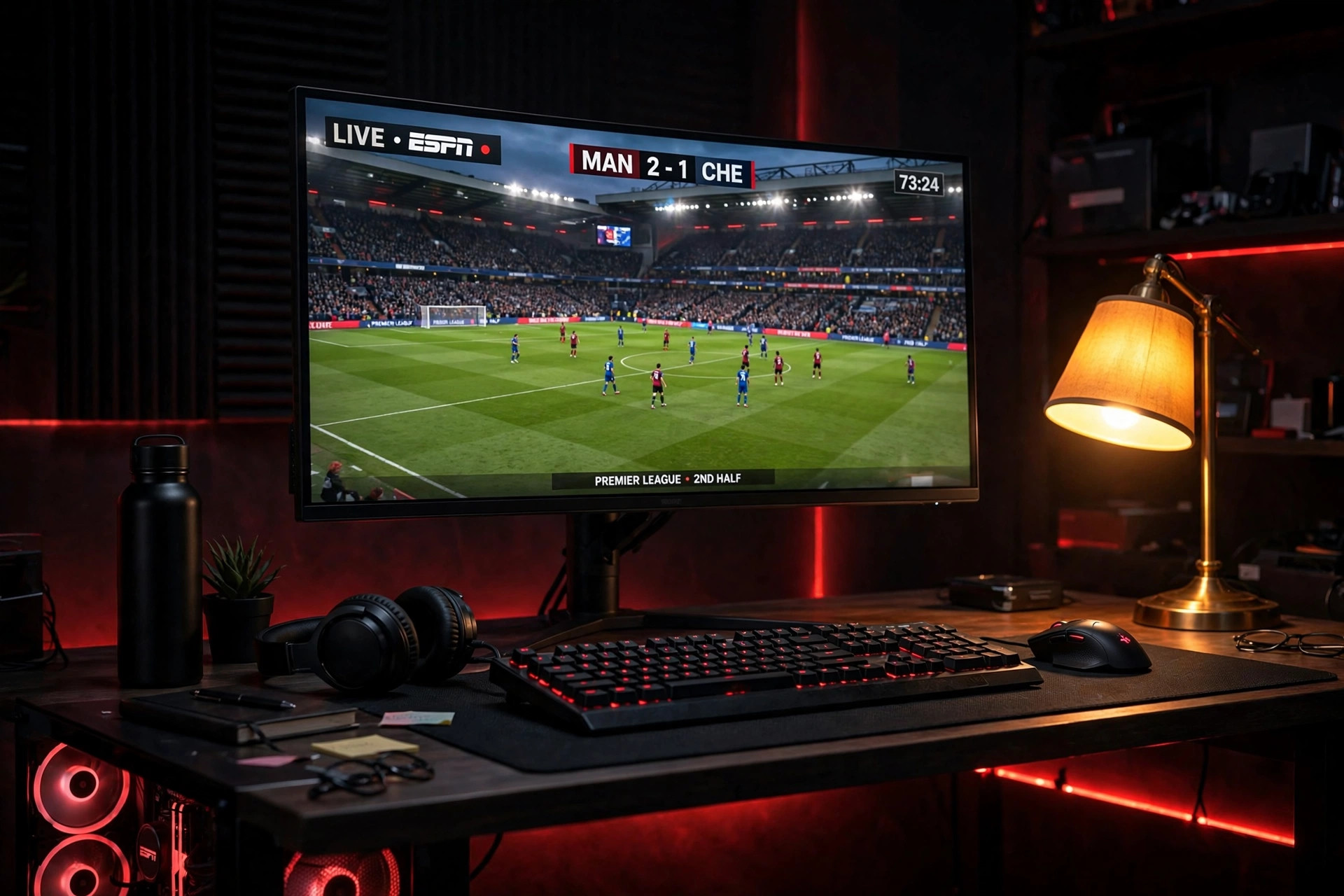 Big screen
Yacine TV is an Android application for live television and sports. When people search for Yacine TV for PC, they want the Android app on a larger computer screen.
Windows and macOS don't install APK files like native programs — you need an Android emulator. An emulator creates an Android environment inside your computer; once running, install the Yacine TV APK inside it and open the app from the emulator's home screen. BlueStacks, LDPlayer and NoxPlayer are commonly used.
A monitor or laptop screen gives more viewing space — easier for long sessions or sitting farther away.
Click buttons, browse channels and navigate with physical controls instead of taps.
Final quality still depends on the source — pick a display setting your PC handles comfortably.
A computer is stable, but streaming still depends on network, server and emulator performance.
Some emulators offer built-in recording tools to capture activity inside the emulator.
About ten to fifteen minutes the first time; updating later takes just a couple of minutes.
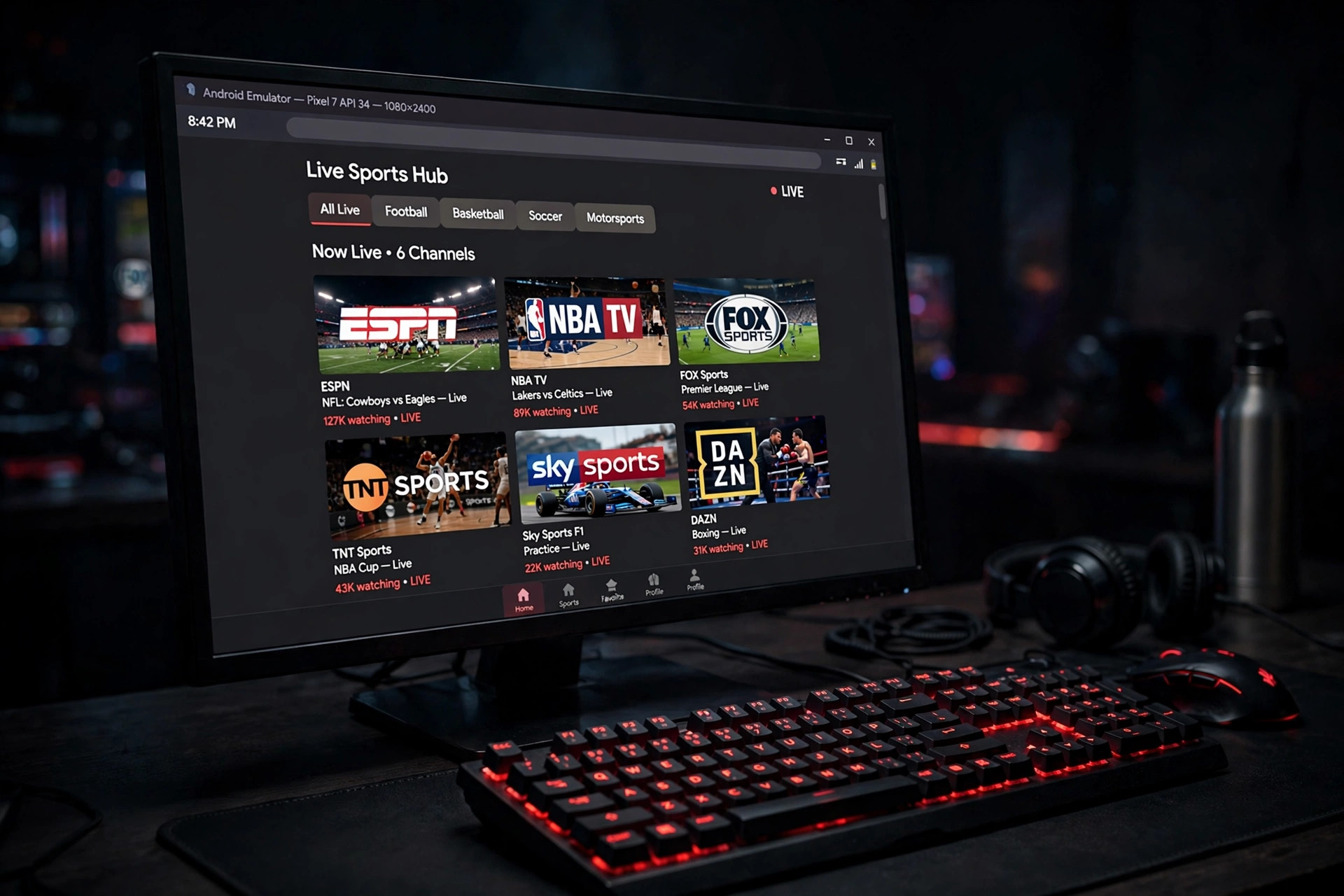
BlueStacks for mid/high-end PCs, LDPlayer for 4 GB RAM or less, NoxPlayer for older Windows 7 machines. Download only from the official site, then run the installer.
Open it, finish first-time setup, sign in with a Google account. In settings, allocate 2–4 GB RAM to reduce stuttering.
Get the latest version (not on Play Store). Compare file size to previous versions; avoid sites bundling extras. Save it to Downloads.
Use “Install APK” in the emulator, select the file, and wait under a minute. The icon appears on the emulator home screen.
Click the icon, browse sports/entertainment/news, click a channel and let it load. Install YTV Player Pro if you see a black screen.
Check every few weeks — especially before big events. Skipping updates breaks channels.
Clear cache in emulator settings when channels load slower than usual.
Star your regular channels — check favorites first instead of scrolling.
Lower emulator resolution if buffering; close background apps; prefer wired ethernet over Wi-Fi.
Yacine TV for PC turns a mobile-only app into something closer to a full home entertainment setup. With the right emulator, a capable computer and stable internet, you get a bigger screen, sharper picture and more natural controls.
Whether for a weekend match or shows on a larger monitor, setup takes a few extra steps and pays off every time you sit down to watch.