Live Sports & Football
Premier League, La Liga, Serie A, Bundesliga, Ligue 1, Champions League, Saudi Pro League and AFCON — plus beIN Sports and SSC channels.
Match is about to start and you don't have the channel you need. Yacine TV APK fills exactly that gap — a free Android app focused on live sports and football, with no paid subscription required.
 Live now
Yacine TV has gone through several releases over the years, with newer versions adding changes to the way users browse and watch live content. The latest version may include tools such as channel search, different video quality settings, channel listings, and support for external media players.
Before installing the Yacine TV APK, check where the file comes from and make sure it matches your Android device. It is also worth reviewing the permissions requested during installation.
The app is mainly known for live football and sports streams. Its channel-based interface can also include content from different regions, allowing users to browse available streams from one place instead of using separate apps for each programme.
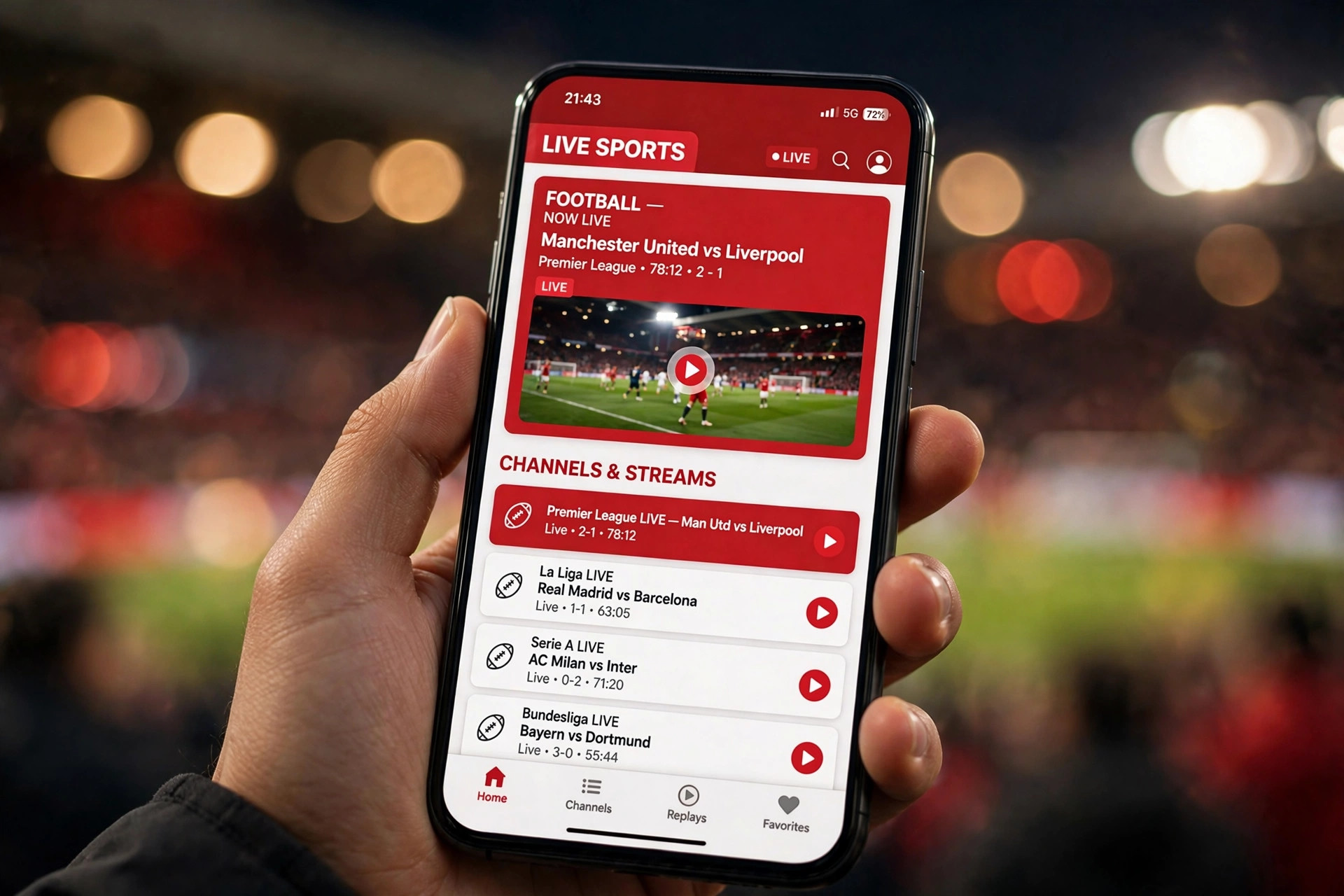
Updates for this app don't usually bring big redesigns — they're mostly about keeping the streams working. The last few updates focused on:
More servers per channel, so if one link dies mid-match you're not stuck.
Faster zapping between channels — matters most during halftime.
Fixed the black screen bug a chunk of users ran into on certain channels.
Improved buffering handling during peak hours, especially Champions League nights.
A handful of new channels added to the sports and entertainment lists.
Since there's no Play Store listing, grab the new APK yourself each time — see the update guide below.
Yacine TV packs in a lot, but a few features are the reason people keep coming back match after match.
Premier League, La Liga, Serie A, Bundesliga, Ligue 1, Champions League, Saudi Pro League and AFCON — plus beIN Sports and SSC channels.
Selectable qualities (e.g. 240p to 720p+) so you can match the stream to your connection.
Every channel usually has more than one server — switch instantly if a link dies mid-match.
Sports plus entertainment, news and general TV: MBC networks, French and Turkish channels, and a kids' section.
Arabic sports, entertainment and news alongside French, Turkish, English and other international content.
Interface and commentary options in Arabic and other languages where multiple streams exist.
Built-in programme guide with match timings — handy on days with several games at once.
Find sports, news or regional channels fast instead of scrolling the full list.
Long-press channels you watch often and open them from one quick-access list.
Small package that runs smoothly even on older Android phones.
Works with VLC, MX Player and the YTV Player companion app for tricky streams.
Cast to a bigger screen — just keep both devices on the same network.
One reason Yacine TV has stuck around: it isn't limited to just phones.
Best experience. Android 5.0+; layout adapts to tablets too.
Install the APK directly on Android TV boxes.
Works via sideloading; newer models run smoother.
No native version — use an emulator like BlueStacks.
APK won't install; web access or workarounds only.
Worth checking before you install.
| Requirement | Minimum | Recommended |
|---|---|---|
| Operating System | Android 5.0 | Android 8.0 or higher |
| RAM | 1 GB | 2 GB or more |
| Storage Space | 50 MB free | 200 MB free |
| Internet Speed | 2 Mbps | 10 Mbps+ for HD |
| Processor | Quad core, 1.2 GHz | Octa core, 2.0 GHz+ |
Installing an APK differs slightly from Play Store installs — Android may block it at first. Here's what to do:
Go to Settings → Security (or Apps), and enable “Install unknown apps” for your browser.
Compare its size with the one mentioned in this guide. If it's much bigger or smaller, double-check before installing.
Find it in your notifications or Downloads folder and tap to start.
Let it finish on its own — don't lock the screen or switch apps mid-install.
You'll land on the home screen with categories already sorted: sports, entertainment, news and more.
Flip unknown sources back off after installing — good practice for your phone's security.
Two main areas greet you: Live TV (channels by category) and Live Events (matches happening now or soon).
Tap a category — sports, news, kids — then tap a channel to load it.
Long-press a channel to add it to favorites and skip scrolling next time.
Type the channel name (e.g. beIN Sports 1) instead of scrolling forty channels.
If a channel won't load or shows black, the YTV Player companion app usually fixes it.
APK updates are manual — here's the safe routine:
Selection changes over time since the app depends on external sources. Highlights include:
Football first — plus other events depending on sources. Test the stream before kickoff.
Frequently associated with Yacine TV for football and international sports; availability varies by version and region.
Entertainment, news and Arabic drama. Access depends on current stream sources.
Sports, news, entertainment, religious and general TV — a core part of the app's appeal.
Live news alongside sports; sources can change frequently.
International news, sports and entertainment depending on the version.
Cartoons and educational content — parents should still check content themselves.
More regions and categories depending on the installed version's source list.
Drama, variety shows and general TV beyond the sports lineup.
Check Android version and free storage; re-download — a damaged APK fails mid-install.
Restart the device; if it persists, clear the app cache in Android settings.
Test your connection first; server load spikes during big matches. Try another server link.
If only one channel fails, it's the source — switch to an alternate link.
Some streams work in one country but not another due to rights agreements.
Check volume; test another channel. Try an external player — sync faults often come from the stream itself.
Same Wi-Fi network for both devices; confirm the player supports the stream format.
Nothing's perfect — here's the clear trade-off after real use.
Other names you'll meet searching for live TV apps — apply the same safety checks to each.
Live channels across categories; verify source, permissions and availability.
Live TV, sports, radio and entertainment; content depends on external sources.
Sports/football focused; verify source and licensing as with Yacine TV.
General television channels; check compatibility and source first.
Known in third-party live TV searches; channel availability varies.
Movies, series and anime rather than live sports — for on-demand fans.
Yacine TV APK is worth a look if live football and TV channels are what you watch most. Channels and sports content sit in one simple place; performance depends on your connection, the APK version and the stream itself.
Before installing, check the file and where it came from. Once that's sorted, install it and see how it performs on your phone.
Get the latest Yacine TV APK and follow every goal live — free, no sign-up.
⬇ Download Now